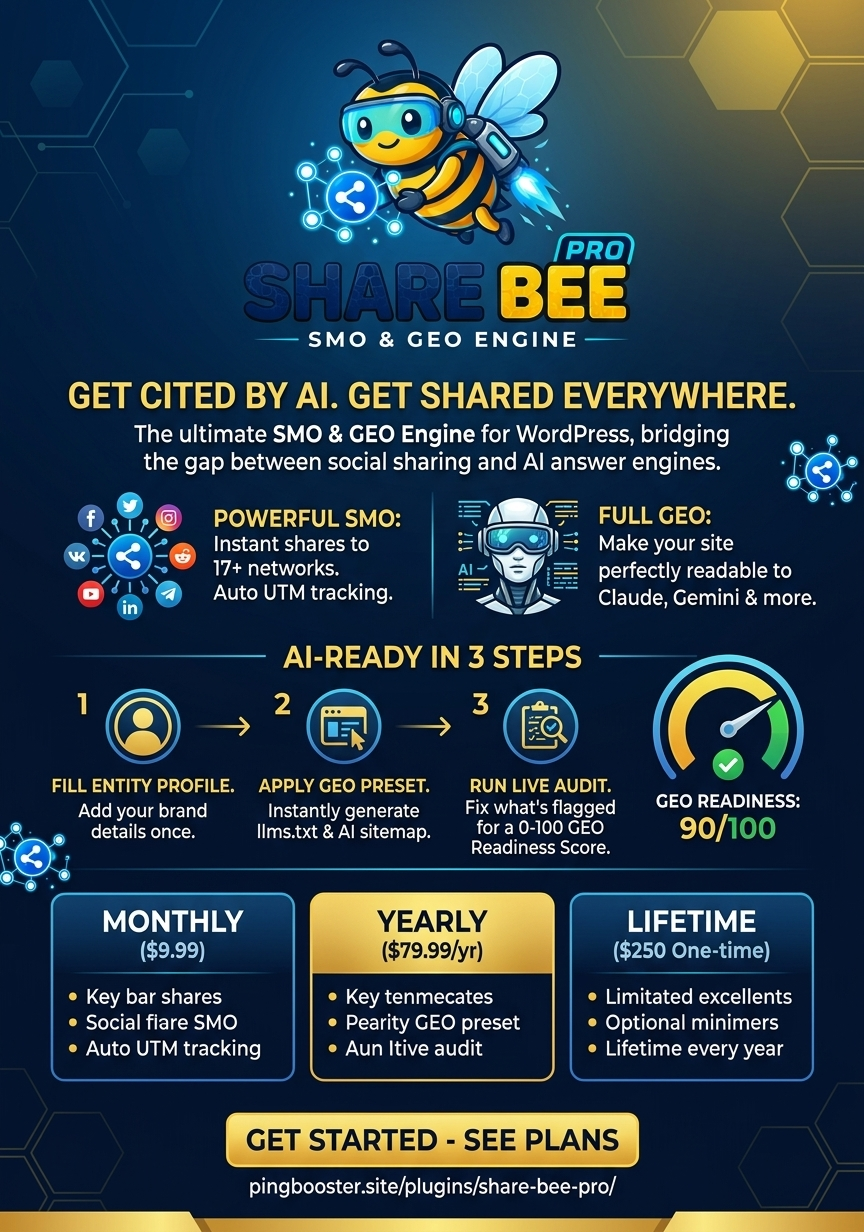
We are excited to officially release Ping Booster Version 2.1.0! Alongside core architecture improvements and enhanced crawling features, we’ve fully overhauled our official homepage at pingbooster.site to give you direct access to our latest search automation tools, indexing frameworks, and growth services.

What’s New in Version 2.1.0
1. Expanded Indexing & Bulk Submission Capabilities
- Bulk Queue Engine: Submit and process up to 500 URLs per action in priority batch queues without impacting server performance.
- Instant API Broadcasts: Direct integration with IndexNow and search engine submission APIs to alert crawlers the moment your content is published or updated.
- Persistent Activity Logs: Complete audit trails tracking success rates, failure reasons, HTTP response codes, retry counters, and quick log-clearing tools.
2. Comprehensive Dashboard & Diagnostics
- Live Analytics Counters: Track daily submission volume, successful indexes, pending jobs, and retry attempts directly from your dashboard.
- Crawler & Site Diagnostics: Real-time system checks for search engine visibility, sitemap accessibility, WP-Cron status, and HTTPS health.
- Refined Sitemap Controls: Enhanced handling for dedicated XML sitemaps covering custom post types, WooCommerce products, categories, and tags.
3. All-New Front-End & Service Portal
- Transparent Service Tiers: Direct access to custom WordPress plugin development, technical SEO, and Generative Engine Optimization (GEO) retainers.
- Streamlined Design: Fast navigation to documentation, service packages, and real-time support.
Why Upgrade to v2.1.0?
As search discovery rapidly shifts toward AI-driven generative engines and real-time crawling, traditional batch indexing is no longer enough. Version 2.1.0 ensures your web assets—from blog posts to full e-commerce catalogs—are discovered, parsed, and indexed faster than ever with minimal operational overhead.
How to Get Started
- Visit the New Site: Check out the updated layout and features at pingbooster.site.
- Update Your Tools: Ensure your WordPress installation is running Ping Booster v2.1.0 through your admin dashboard.
- Run a Diagnostic: Use the newly integrated diagnostic tools to verify your sitemaps, API credentials, and cron tasks.