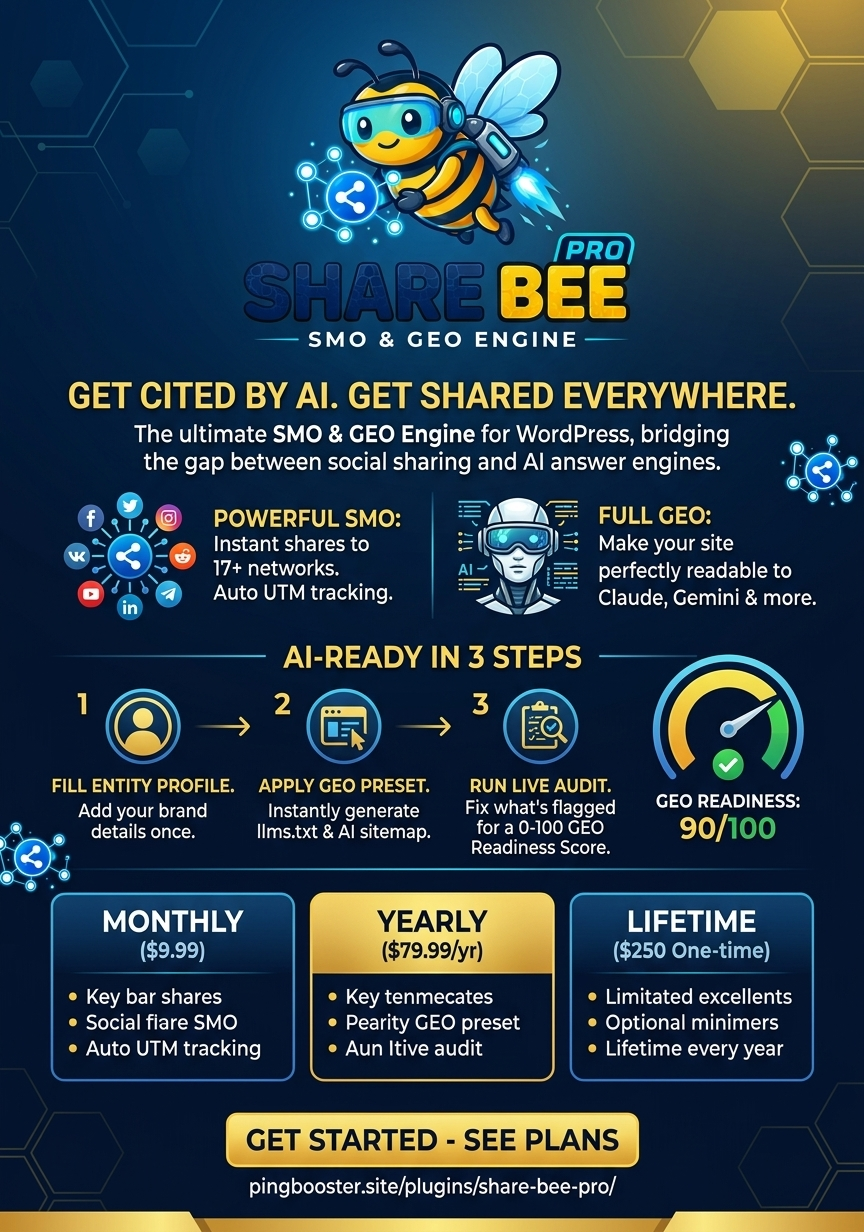
PingBooster announces the first public release of Share Bee, a lightweight
WordPress plugin providing flexible social-sharing controls for posts,
pages and WooCommerce products.
Published by:

PingBooster
Introducing Share Bee 1.0.0
PingBooster is pleased to announce the release of
Share Bee 1.0.0, a lightweight WordPress plugin created
to help website visitors share useful content through popular social
platforms and communication channels.
The first public release introduces flexible sharing controls for
WordPress posts, pages and WooCommerce products. Share Bee was developed
with a straightforward objective: provide practical sharing features
without adding unnecessary complexity or continuous background requests.
This release marks another step in PingBooster’s growing WordPress
plugin-development portfolio.
What Is Share Bee?
Share Bee adds social-sharing controls to individual WordPress content.
A website administrator can choose where the buttons appear, which
sharing services are enabled and which content types display them.
Visitors can use the available buttons to share or reference the current
page through supported services. Every sharing action begins only after
the visitor intentionally clicks a button.
Features Included in Version 1.0.0
- Sharing buttons before content, after content or in both positions
- Optional left or right floating sharing bar
- Separate display controls for posts, pages and products
- WhatsApp sharing
- Facebook sharing
- X sharing
- LinkedIn sharing
- Pinterest sharing
- Optional ChatGPT sharing button
- Copy-link button with a browser-compatible fallback
- Locally stored plugin assets
- Lightweight administration settings
and a lightweight WordPress experience.
Flexible Button Placement
Different websites require different sharing layouts. A blog may prefer
buttons after an article, while a product-focused website may want
sharing options near the beginning of a page.
Share Bee allows administrators to display buttons:
- Before the content
- After the content
- Before and after the content
The optional floating bar provides another layout for websites that
want sharing controls to remain accessible while a visitor reads the
page.
Independent Content-Type Controls
Share Bee includes separate visibility controls for WordPress posts,
pages and WooCommerce products.
A website owner can enable sharing on blog articles while disabling it
on standard pages. WooCommerce stores can separately decide whether
sharing options should appear on individual product pages.
This prevents one global sharing layout from being forced across every
part of a website.
Optional ChatGPT Sharing
Share Bee includes an optional ChatGPT sharing button alongside
traditional social-network buttons.
AI-assisted discovery and research are becoming part of how users
interact with online information. This optional feature provides an
additional user-initiated way to work with a page’s link while keeping
the setting under the website administrator’s control.
Administrators who do not require the option can disable ChatGPT sharing
from the plugin settings.
Lightweight Operation
Share Bee was designed to remain focused on its primary purpose.
Version 1.0.0 does not retrieve a remote news feed, advertising or
promotional content in the background. A selected sharing service opens
only after a visitor clicks its button.
The plugin also uses local assets for its interface. This approach keeps
its operation understandable and reduces unnecessary external
dependencies.
A Straightforward Administration Experience
After activating Share Bee, administrators can open its settings page
and select their preferred display configuration.
Available administration controls
- Button position
- Floating-bar visibility and position
- Enabled sharing services
- Post visibility
- Page visibility
- WooCommerce product visibility
- ChatGPT sharing availability
The plugin is intended for website owners who want practical sharing
functionality without navigating an oversized collection of unrelated
marketing tools.
 The public Share Bee 1.0.0 plugin listing displays its description,
version information and release banner.
Part of the PingBooster Plugin Portfolio
PingBooster develops WordPress tools for search visibility, content
publishing, website management and digital growth.
Share Bee complements this portfolio by focusing on social sharing and
link accessibility. It joins PingBooster’s ongoing development work in
WordPress plugins, technical SEO, GEO and content-discovery solutions.
Version 1.0.0 establishes Share Bee’s initial public foundation. Future
improvements will be guided by WordPress compatibility requirements,
practical use cases and feedback from website owners.
Share Bee 1.0.0 Release Information
| Plugin | Share Bee |
|---|---|
| Version | 1.0.0 |
| Release date | |
| Developer | Samee Ullah Feroz |
| Publisher | PingBooster |
| Primary purpose | Lightweight social sharing for WordPress |
| Supported content | Posts, pages and WooCommerce products |
Learn More About Share Bee
The official Share Bee project page contains current product
information, feature details and future updates.
Visit the official Share Bee project page
For additional WordPress plugin news, SEO research, GEO guidance and
PingBooster development updates, continue following the PingBooster
Blog.